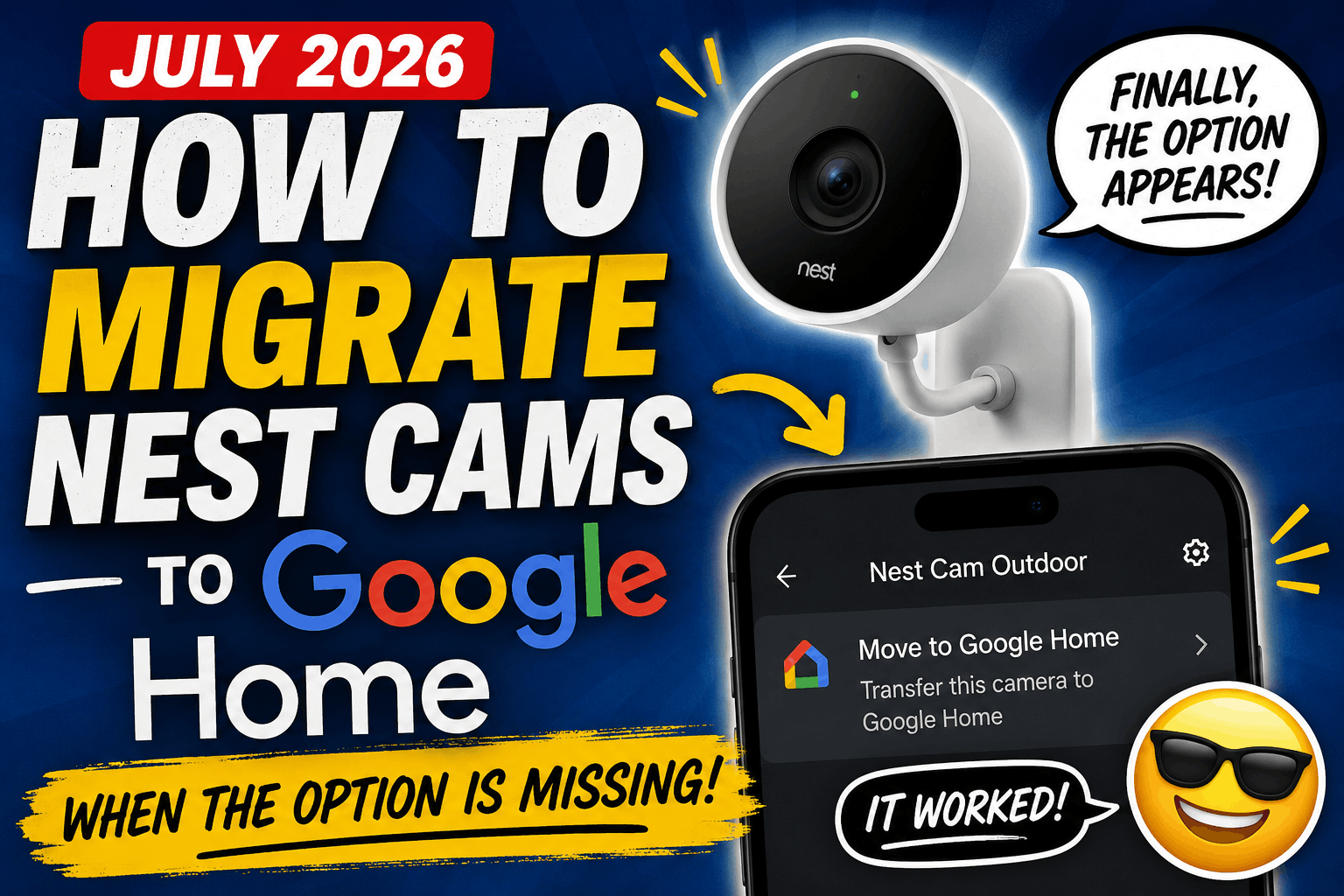

If you’re trying to move a Nest camera to Google Home but the “Move to Google Home” option never appears (or stopped appearing), you’re not alone.
Many owners of older Nest cameras have reported that their cameras remain stuck in the Nest app, even after trying factory resets, reinstalling the apps, restarting Wi-Fi, removing devices, and following Google’s standard troubleshooting steps.
After testing multiple cameras, I found a procedure that consistently enabled the migration option.
This article was verified in July 2026.
Cameras Successfully Tested
These steps were successfully tested on:
- Nest IQ Outdoor Camera (4 cameras)
- Original Nest Outdoor Camera (2 cameras that were adopted seconds before I tried this)
If you have another legacy Nest camera, these steps should work there as well.
How to Move Your Nest Camera to Google Home
- Open the Google Home app.
- Tap your Profile Picture in the upper-right corner.
- Select Home Settings.
- Scroll to the bottom.
- Tap Public Preview.
- Tap Join Public Preview.
Enrollment happens immediately. And you can unenroll immediately after this process.
Next:
- Critical: Restart the Nest app (you must close the Nest app completely). Open it if you’re not sure and close it again to be certain.
- On iPhone, swipe the app away so it is fully closed.
- Simply switching apps is not enough.
- Open the Nest app again.
- Open the camera you want to migrate.
If successful, the Move to Google Home option should now appear on the bottom of the screen for that camera. For me, it also showed at the bottom of the ‘all camera’ view.
Repeat the process for any additional Nest cameras that still need to be migrated.
Leave Google Home Public Preview
Once all of your Nest cameras have been moved to Google Home:
- Open Google Home.
- Tap your profile picture.
- Select Home Settings.
- Tap Public Preview.
- Select Leave Public Preview.
Your cameras will remain migrated. You do not need to stay enrolled in the Public Preview program after the migration is complete.
Notes
During testing:
- No factory reset of the cameras was required.
- Cameras did not need to be removed from the Nest app first.
- A new Google Home was not required.
- The migration option appeared only after joining Google Home Public Preview and completely restarting the Nest app.
