
I’m going to start this one with something that has absolutely nothing to do with cybersecurity.
At least, not at first.
I recently had a leak in my house.
Not the dramatic kind. No burst pipe. No water pouring from the ceiling. Nothing obvious.
This was the quiet kind.
The kind that sits there behind the scenes. Slowly doing damage. You don’t hear it. You don’t see it. You don’t think about it.
Until one day… you do.
And by then, the flooring is coming up. Sections have to be torn out. Plumbing needs attention. And you’re standing there wondering one thing:
“How long has this been going on?”
That question sticks with you.
Because the answer is usually… longer than you think.
And that’s exactly how a lot of cybersecurity incidents work.
The Myth of the “Big Hack”
When most people think about cybersecurity problems, they picture something dramatic.
A hacker forcing their way in. Cracking passwords. Bypassing systems. Maybe even something out of a movie with screens full of code flying by.
That’s not reality anymore.
Most modern breaches don’t look like break-ins.
They look like normal activity.
A login.
A correct username. A correct password. Access granted.
No alarms. No flashing lights. No immediate signs that anything is wrong.
Because technically… nothing is “wrong” in the traditional sense.
The system is doing exactly what it was designed to do.
Let someone in with valid credentials.
The Problem Isn’t Today
Here’s where it gets uncomfortable.
The biggest security risks most businesses face today… didn’t start today.
They started months ago.
Sometimes years ago.
There’s a growing trend in cybersecurity that’s been catching a lot of companies off guard. Attackers are collecting login information quietly over time, often using malware that sits unnoticed on a device.
That malware can live on:
- A work computer
- A personal laptop
- A home PC used to check email
- Even a device that hasn’t been used in years
It doesn’t announce itself. It doesn’t break anything. It just watches.
And it collects.
Usernames. Passwords. Saved browser logins. Session tokens.
Then it sends that information off to be stored, organized, and eventually sold.
And then… nothing happens.
For a long time.
The Delay Is the Danger
This is the part that trips people up.
We tend to think of threats as immediate.
“If something was wrong, we’d know.”
“If we were compromised, we’d see it.”
“If it happened, it would’ve happened already.”
That’s not how this works.
Attackers are patient.
They don’t need to use stolen credentials right away. In fact, it’s often better if they don’t.
Because over time:
- People forget about old accounts
- Employees leave
- Systems change
- Devices get replaced
- Security gets overlooked
And most importantly…
Old passwords are still sitting there, valid, waiting.
The Moment It Becomes Real
At some point, those stolen credentials get used.
Not randomly. Not blindly.
They’re tested against real systems. Email platforms. Cloud apps. File storage. Accounting tools.
And when they work… the attacker doesn’t need to break anything.
They’re in.
From there, it’s quiet.
Emails can be read. Files can be accessed. Data can be downloaded.
Sometimes nothing is changed at all. No disruption. No alerts.
Just access.
And that access can go on far longer than most people realize.
The Common Thread
In one recent investigation, dozens of businesses across different industries were affected by this exact type of attack.
Different sizes. Different locations. Different systems.
But they all had one thing in common.
They relied on just a username and password to protect important systems.
No second layer.
No additional verification.
No backup plan if a password was compromised.
And that’s the part that matters.
Why Passwords Alone Don’t Work Anymore
Passwords used to be enough.
Years ago, if you had a strong password and kept it private, you were in decent shape.
That’s no longer the case.
Today:
- Passwords get reused
- They get stored in browsers
- They get entered on infected devices
- They get exposed in data breaches
- They get shared more than they should
Even if your team is doing everything “right,” it only takes one slip.
One compromised device. One saved login. One reused password.
And now that credential exists somewhere outside your control.
That’s the reality.
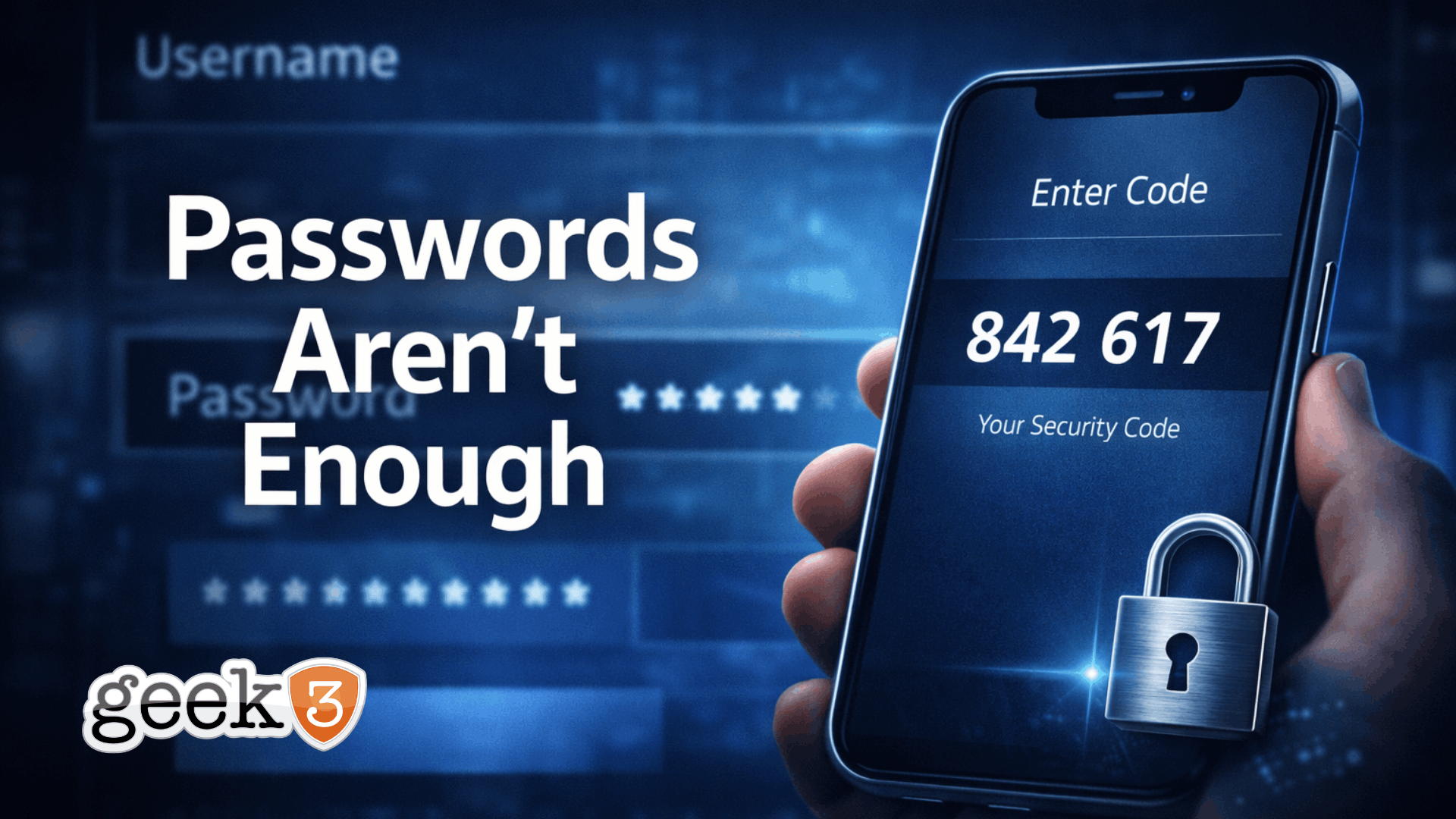
Enter MFA (The Second Lock on the Door)
This is where multi-factor authentication comes in.
MFA simply adds a second step to the login process.
Something beyond just the password.
Usually:
- A code sent to a phone
- A push notification
- An authenticator app
- A fingerprint or biometric
It’s not complicated.
But it changes everything.
Because now, having the password isn’t enough.
Why MFA Stops This Entire Scenario
Let’s go back to the attacker.
They’ve got a list of usernames and passwords.
They try logging in.
Without MFA:
- Access granted
With MFA:
- Prompt for code
- Prompt for approval
- Prompt for second factor
And they don’t have it.
That’s it.
The attack stops right there.
No guessing. No workaround. No silent access.
Just a dead end.
“But It’s Annoying…”
This is where I usually get pushback.
“MFA is a hassle.”
“It slows things down.”
“Do I really need to enter a code every time?”
And honestly, I get it.
It is one more step.
But let’s put that into perspective.
That extra step:
- Takes a few seconds
- Happens at login
- Becomes routine quickly
Compare that to:
- Days or weeks of cleanup
- Lost data
- Downtime
- Client impact
- Reputational damage
- Financial loss
It’s not even close.
The Hidden Risk Most Businesses Ignore
Here’s the part I want you to really think about.
Your risk isn’t just your current setup.
It’s your history.
- Old employees
- Old devices
- Old passwords
- Old logins
- Old habits
Every one of those is a potential entry point.
And time doesn’t erase that risk.
It just hides it.
Where to Start (Without Overcomplicating It)
You don’t need to overhaul everything overnight.
Start with what matters most.
Look at:
- Email accounts
- Microsoft 365 / Google Workspace
- Accounting systems
- Banking platforms
- File storage (SharePoint, Dropbox, etc.)
- Remote access tools
- Social media accounts
If there’s an option to enable MFA… turn it on.
That one step dramatically reduces your exposure.
What This Really Comes Down To
This isn’t about being overly technical.
It’s not about turning your business into Fort Knox.
It’s about closing the obvious gaps that get exploited every day.
The reality is simple:
Passwords alone are no longer enough.
They haven’t been for a while.
And the biggest threats aren’t always new ones.
Sometimes they’re the things that have been sitting there quietly…
waiting.
If you’re not sure where your risks are, or you’ve never really taken a step back to look at your setup, that’s exactly what I help businesses with.
No scare tactics. No overcomplicated solutions. Just practical, real-world protection that actually makes sense.
If you want a second set of eyes on things, shoot me a message.
